

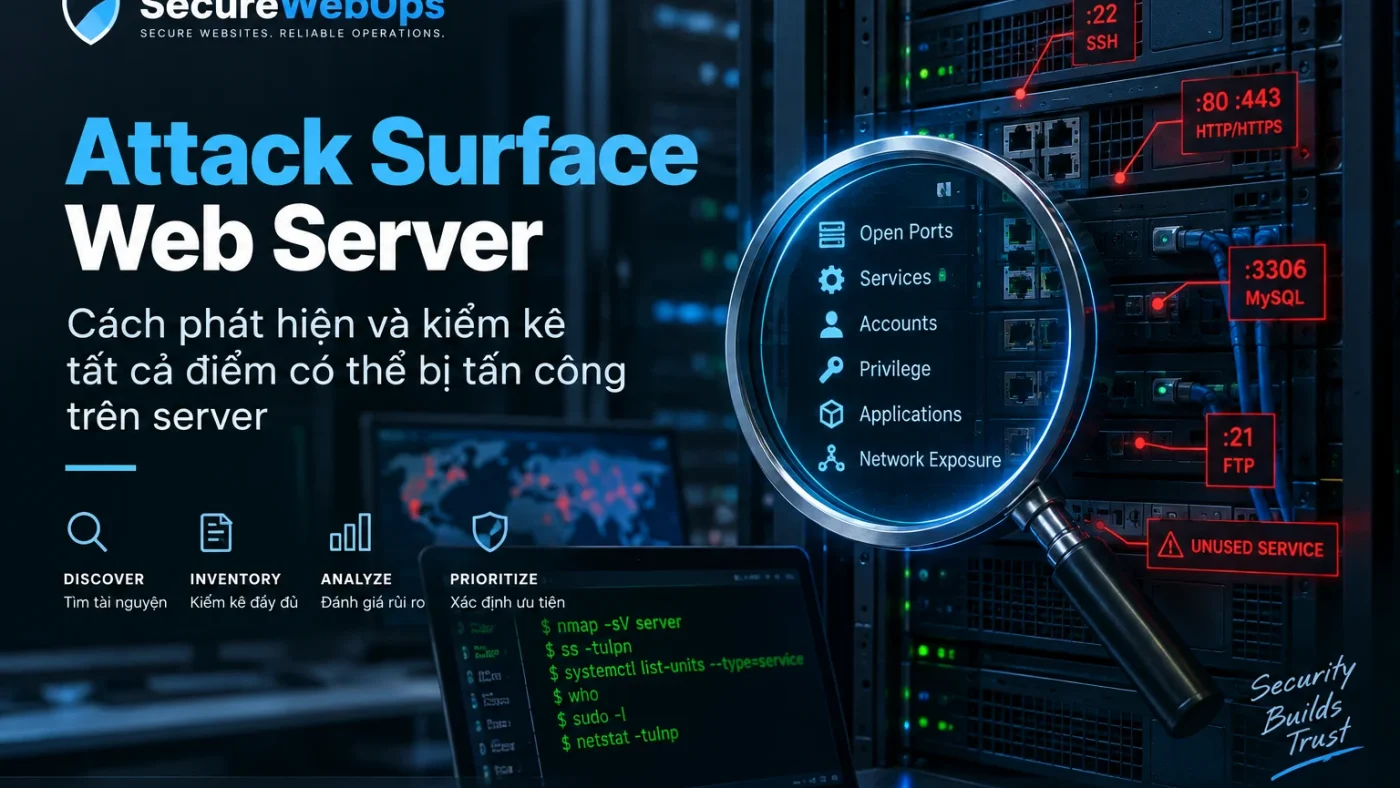
Attack Surface của Web Server là toàn bộ điểm mà dữ liệu, lệnh, người dùng hoặc hệ thống bên ngoài có thể tương tác với server, cùng các account, privilege, secret và control plane có thể mở rộng mức truy cập. Với Linux server chạy website, attack surface không chỉ là port 80/443 mà còn gồm SSH, database, hosting panel, service account, sudo, cron/systemd unit, runtime, API token, backup agent và management endpoint.
Bài này chỉ sở hữu một search task: DISCOVER / INVENTORY. Mục tiêu là xác định cái gì đang tồn tại, cái gì đang reachable, ai sở hữu nó và purpose là gì. Việc stop, disable, mask, remove service hoặc thu hẹp exposure được chuyển sang bài Giảm Server Attack Surface sau khi inventory đã đủ evidence.
Attack surface gồm những lớp nào?
| Lớp | Ví dụ | Câu hỏi inventory |
|---|---|---|
| Network | Public IP, port, interface, firewall | Socket nào đang listen và reachable từ đâu? |
| Service | SSH, Nginx, Apache, database, mail, panel | Service nào đang chạy, ai là owner? |
| Identity | User, root, sudo, service account | Ai có thể login hoặc nâng quyền? |
| Runtime | PHP-FPM, Node, Python, module | Runtime/module nào đang active? |
| Secrets | SSH key, API token, env, DB credential | Secret nằm ở đâu và consumer là ai? |
| Control plane | Cloud/VPS panel, hosting panel, CI/CD | Hệ thống ngoài host nào có thể thay đổi server? |
| Operational paths | Backup, monitoring, cron, deploy | Automation nào có privilege hoặc dependency? |
Installed, listening và reachable là ba trạng thái khác nhau
Một package được cài không có nghĩa service đang chạy; service chạy không có nghĩa service public. Inventory cần tách rõ:
- Installed: package/software tồn tại trên host.
- Running/listening: process hoặc socket đang active.
- Reachable: traffic từ một source cụ thể thực sự có đường tới service.
Ví dụ database bind 127.0.0.1:3306 vẫn là local attack surface nhưng không phải Internet exposure trực tiếp. Ngược lại service bind 0.0.0.0 hoặc :: cần được đối chiếu thêm firewall, cloud security group, NAT và routing. Với website đặt sau CDN/WAF, direct-origin reachability cũng cần được kiểm tra; xem case audit phát hiện Origin Server Exposure bị bỏ sót.
Quy trình Attack Surface Inventory
Bước 1: Inventory listening socket và interface
sudo ss -lntupKhi đọc output, ghi lại protocol, local address/port và process. Không chỉ ghi “port 22 mở”; cần biết nó bind localhost, private IP, public IP hay wildcard.
| Observed state | Inventory meaning |
|---|---|
| 127.0.0.1 / ::1 | Local-only; cần xác định local consumer |
| Private IP | Reachability phụ thuộc routing/firewall |
| 0.0.0.0 / :: | Bind mọi interface; cần kiểm tra network policy |
| Public IP | Potential Internet-facing service |
Ở bước inventory chưa tự động đóng port. Nếu chưa biết purpose hoặc dependency, đánh dấu NEEDS_INVESTIGATION. Một failure mode thực tế là dịch vụ và port không cần thiết làm tăng Server Attack Surface.
Bước 2: Inventory running và enabled services
systemctl --type=service --state=running
systemctl list-unit-files --type=service
Ghi service name, package/source, owner, purpose, startup state và log location. Service không nhận diện được không đồng nghĩa malicious; nó cần investigation trước remediation.
Bước 3: Inventory account có khả năng đăng nhập
getent passwd
getent group sudo
lastlog
Phân loại human account, service account, automation account, break-glass account và account không còn owner. Ghi shell, group và login evidence khi phù hợp. Không khóa account ở bước này nếu chưa kiểm tra automation/dependency. Nếu SSH đang Internet-facing, đối chiếu thêm với case SSH Brute Force dẫn tới truy cập trái phép để hiểu vì sao exposure + weak authentication cần được correlation.
Bước 4: Lập bản đồ sudo và privilege path
sudo -l
sudo -l -U username
Mục tiêu là biết account nào có thể đạt privilege cao và qua command/path nào. Một account không phải root nhưng có full sudo có blast radius gần root. Bài Root, sudo & Least Privilege chịu trách nhiệm cho remediation privilege chi tiết.
Bước 5: Inventory control plane ngoài host
Ghi cloud/VPS account, hosting panel, CI/CD, backup provider, monitoring/management agent, DNS/CDN/WAF control plane và các integration có thể thay server hoặc traffic. Mỗi control plane cần owner, authentication method, MFA/access policy và audit capability. Với panel quản trị public, xem case aaPanel/Control Panel Exposure dẫn tới Server Compromise.
Bước 6: Inventory web stack và runtime
Ghi Nginx/Apache package, PHP-FPM/runtime, active module/extension, process owner, socket/port và writable path. Không dùng banner hiding như bằng chứng patch. Đây là inventory để chuyển finding sang owner page Nginx, Apache, PHP-FPM hoặc File Permission khi cần. Một case điển hình về boundary sai là website compromise do PHP-FPM và File Permission sai.
Bước 7: Inventory database và data service
Ghi database/cache/search/queue/admin API đang chạy, bind address, listener, client source và account owner. Database cùng host có thể chỉ cần local access; inventory phải ghi observed state trước khi kết luận.
Bước 8: Inventory secret và credential path
Không dump plaintext secret. Chỉ ghi metadata: secret type, location, owner, consumer, privilege scope và rotation owner. Candidate gồm SSH private key, deploy key, DB credential, API token, environment file, cloud credential và backup secret.
Nếu phát hiện secret nghi đã lộ, chuyển incident/rotation sang Server Secrets Management.
Bước 9: So observed state với intended architecture
Inventory hoàn tất khi mỗi exposure có thể trả lời:
- Asset/service là gì?
- Owner là ai?
- Business purpose là gì?
- Reachable từ source/network nào?
- Authentication/privilege model là gì?
- Support/patch state đã biết chưa?
- Dependency nào cần giữ?
- Finding status là
KEEP,REVIEWhayNEEDS_INVESTIGATION?
Ở bước này chưa dùng REMOVE chỉ vì thiếu owner. Unknown state cần điều tra trước.
Mẫu Attack Surface Register
Đây là template evidence, không phải kết quả scan của SecureWebOps.
| Asset | Exposure | Owner | Purpose | Auth/Privilege | Patch state | Evidence | Status |
|---|---|---|---|---|---|---|---|
| SSH | Public/private/local | Platform | Administration | User/key/sudo | Observed | Socket + config | KEEP/REVIEW |
| Web server | 80/443 | Web/Ops | Serve site | Process user | Observed | Socket + process | KEEP |
| Database | Local/private/public | DB/App | Application data | DB account | Observed | Bind + firewall | KEEP/REVIEW |
| Unknown service | Observed | Unknown | Unknown | Unknown | Unknown | Socket + process | NEEDS_INVESTIGATION |
Sau inventory thì làm gì?
Khi register đã có owner, purpose và dependency, mới chuyển sang remediation. Nếu finding là service/port thừa hoặc overexposed, dùng Giảm Server Attack Surface để chọn giữa restrict, stop, disable, mask hoặc remove; bài đó chịu trách nhiệm cho pilot, rollback và functional validation.
Nếu finding thuộc một control cụ thể, chuyển sang owner tương ứng: SSH Hardening, Linux Firewall, MySQL/MariaDB Security hoặc Control Panel Security.
Checklist Attack Surface Inventory
- Khóa server, environment và owner.
- Inventory listening socket/interface.
- Inventory firewall/security-group context.
- Inventory running/enabled service.
- Inventory interactive/service/automation account.
- Inventory sudo/privilege path.
- Inventory SSH/deploy keys theo metadata.
- Inventory web server/runtime/module.
- Inventory database/data service.
- Inventory control panel/cloud/CI-CD control plane.
- Inventory backup/monitoring/cron/timer path.
- Gắn owner và purpose cho từng asset.
- Ghi support/patch state nếu biết.
- Đánh dấu unknown là
NEEDS_INVESTIGATION. - Handoff finding sang remediation owner, không sửa ngay trong bước inventory.
Nguồn kỹ thuật tham khảo
- OWASP — Attack Surface Analysis Cheat Sheet
- NIST SP 800-123 — Guide to General Server Security
- Ubuntu Server — Security suggestions
Kết luận
Attack Surface Inventory là bước discover: xác định port, service, account, privilege, runtime, data service, secret location và control plane đang tồn tại; sau đó gắn owner/purpose và phân loại trạng thái.
Khi inventory đủ evidence, mới chuyển sang remediation. Tách hai bước này giúp tránh một sai lầm phổ biến: biến “không nhận diện được” thành “không cần thiết” rồi tắt nhầm service production.
Dịch vụ liên quan: Nếu bạn cần triển khai hoặc vận hành chuyên sâu, xem bảo mật web server.